If you recently upgraded to React 18, you likely noticed a confusing behavior: your console logs show your effects firing two times. React 18 useEffect is designed to mount, unmount, and remount your components during development. While this feels like a bug, it is actually a deliberate feature to help you write more resilient code.
At WeBlogTrips, we focus on modern development standards. Consequently, we created this guide to explain the logic behind the React 18 useEffect double-firing and how you can handle it properly without disabling essential safety checks.
Quick Summary: React 18 useEffect Double-Mounting
| Feature | React 17 Behavior | React 18 Behavior (Strict Mode) |
| Initial Mount | Runs once | Runs, Unmounts, then Runs again |
| Purpose | Simple initialization | Stress-testing for cleanup logic |
| Production | Runs once | Runs once |
| API Calls | One request | Two requests in development |
1. React 18 useEffect Runs Twice to Surface Bugs
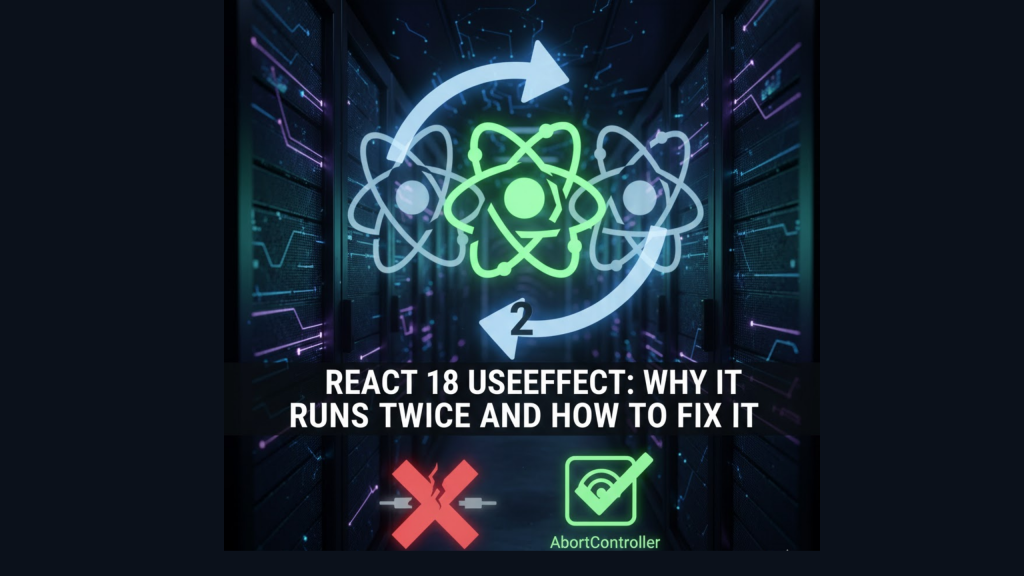
The primary reason React 18 useEffect runs twice is to ensure your components handle mounting and unmounting correctly. In development, StrictMode intentionally simulates a “remount” to verify that your cleanup functions work as intended.
If your application breaks because React 18 useEffect runs twice, it usually reveals a missing cleanup function. React forces this behavior to prepare your app for future features, such as “Offscreen Rendering,” where components might preserve state while hidden.
2. Fixing the React 18 useEffect Double-Fetch Issue
Many developers worry about duplicate API calls. However, the React team suggests that you should not try to prevent the effect from running twice. Instead, you should make your effect resilient.
To fix issues when React 18 useEffect runs twice, you should implement an AbortController. This tool cancels the first request when the component unmounts, ensuring that only the final request updates your state. This approach keeps your UI synchronized even during rapid navigation.
3. Best Practices for React 18 useEffect Cleanup
The key to mastering React 18 useEffect lies in the return function. Every time you set up a subscription, timer, or manual DOM change, you must provide a way to undo it.
- Timers: Use
clearTimeoutorclearInterval. - Subscriptions: Unsubscribe from your data stream.
- Event Listeners: Use
removeEventListenerto prevent memory leaks.
By ensuring your setup and cleanup logic are symmetrical, you stop worrying about React 18 useEffect firing twice because the “teardown” happens automatically.
Frequently Asked Questions (FAQ)
1. Should I just disable Strict Mode?
You can disable it by removing <StrictMode> from your index.js, but we don’t recommend this. Strict Mode helps you find subtle bugs that are much harder to debug in production.
2. Does this affect production performance?
No. The double-firing of React 18 useEffect is a development-only check. Once you build your app for production, your effects will only run once upon mounting.
3. Why am I seeing an “Apple Security Warning” in my dev tools?
If your React 18 useEffect logic attempts to fetch data from an insecure http endpoint during its remounting phase, you might trigger an Apple Security Warning on your iPhone. Always use secure protocols even in local development.
Final Verdict: React 18 useEffect
To summarize the React 18 useEffect behavior:
- React runs effects twice to catch missing cleanup logic.
- Use an AbortController to manage duplicate API calls.
- Always return a cleanup function to keep your app stable.
By embracing this pattern, you ensure your React applications are ready for high-performance concurrent rendering.
More From Weblogtrips
- Why JavaScript Is Single-Threaded: Understand the engine that runs your React hooks.
- Why Your Website Is Slow and How to Fix It: CDNs are the #1 fix for global slowness.
- REST API vs GraphQL Explained for Beginners: APIs are where most CORS errors live.
- Best Website Hosting 2026: Find hosts with integrated CDN features.
- HTML vs HTML5: What’s the Real Difference?: The foundation that holds your CSS.
- What Happens When You Type a URL in a Browser: Where JavaScript begins its execution.
- Frontend vs Backend vs Full Stack 2026 Guide: Why React mastery is essential for frontend roles.
- Apple iPhone Security Warning Guide: Why secure data fetching matters in React.
External Links
- React.dev: Synchronizing with Effects: The official documentation on the effect lifecycle.
- Sentry: React useEffect running twice: A deep technical explanation of the remounting process.
- MDN: AbortController: How to cancel web requests in JavaScript.