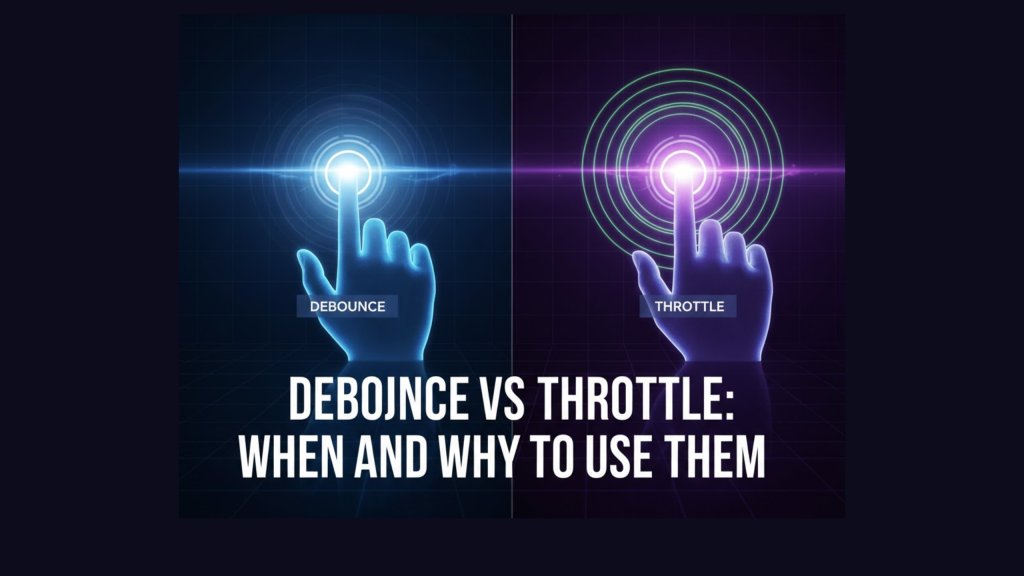
If you have ever felt a website stutter while you were typing or scrolling, you have seen what happens when code runs too often. In 2026, we use Debounce vs Throttle: When and Why to Use Them as the primary solution for “noisy” events. These techniques prevent your functions from firing hundreds of times per second, which saves CPU power and improves battery life for mobile users.
At WeBlogTrips, we prioritize smooth interactions. Therefore, we created this guide to settle the Debounce vs Throttle: When and Why to Use Them debate with clear examples and performance tips.
Visual Breakdown: Debounce vs Throttle: When and Why to Use Them
| Technique | How it Works | Real-Life Analogy | Best Use Case |
| Debounce | Wait until the “noise” stops | An elevator door waiting for the last person | Search bars, window resizing |
| Throttle | Run at a fixed, steady interval | A water faucet dripping at a constant rate | Scrolling, mouse movement |
| Raw Event | Runs every single time | A doorbell that rings 100 times a second | Avoid this for heavy tasks |
1. Use Debounce for User Input and Search Bars
The most common application of Debounce vs Throttle: When and Why to Use Them involves search bars. When a user types, you don’t want to trigger an API call for every single letter. Doing so would overwhelm your server and slow down the UI.
Instead, use Debounce. This technique waits until the user pauses typing for a specific amount of time (e.g., 300ms) before running the function. Consequently, you only make one API call once the user finishes their thought. This is the ultimate answer to Debounce vs Throttle: When and Why to Use Them for input handling.
2. Use Throttle for Continuous Actions like Scrolling
When deciding between Debounce vs Throttle: When and Why to Use Them, consider the nature of the action. If you need to track a user’s progress as they scroll down a page, Debounce would be useless because it would only fire once they stop moving.
Instead, use Throttle. Throttling ensures that your function runs once every “X” milliseconds, regardless of how fast the user moves. This provides a steady stream of updates without crushing the browser’s performance. For animations or “infinite scroll” features, this is the winning choice in the Debounce vs Throttle: When and Why to Use Them debate.
3. Implementation: How to Use Them in 2026
You don’t need to write these from scratch. While you can use libraries like Lodash, modern developers often use lightweight hooks in React or Vue.
Understanding Debounce vs Throttle: When and Why to Use Them internally is what matters most. Remember:
- Debounce groups multiple events into one final event.
- Throttle guarantees a maximum of one event per time period.
By choosing the right one, you ensure your site remains responsive even during heavy user interaction.
Frequently Asked Questions (FAQ)
1. Can I use both Debounce and Throttle on the same element?
Technically yes, but it is rarely necessary. Usually, one fits the specific interaction better than the other. If you are unsure about Debounce vs Throttle: When and Why to Use Them, ask: “Do I need the final result (Debounce) or a steady update (Throttle)?”.
2. Does using these techniques help with SEO?
Yes! Google measures Interaction to Next Paint (INP). If your search bar lags because you aren’t debouncing, your SEO score will drop. Mastering Debounce vs Throttle: When and Why to Use Them is a direct way to improve your rankings.
3. Can unoptimized events cause an Apple Security Warning?
Not directly. However, if your page becomes so laggy that it crashes the browser’s security sandbox, you might trigger an Apple Security Warning on your iPhone. Always keep your event handlers efficient to maintain a stable environment.
Final Verdict: Debounce vs Throttle: When and Why to Use Them
To wrap up our guide on Debounce vs Throttle: When and Why to Use Them:
- Debounce is for when you want the “last word.”
- Throttle is for when you want a “steady pulse.”
- Both are essential for high-performance 2026 web development.
By applying these patterns, you turn a clunky, slow website into a professional, snappy experience.
More From Weblogtrips
- Why Your Website Is Slow and How to Fix It: See how event bloat contributes to slow sites.
- Why JavaScript Is Single-Threaded: Why “blocking” the main thread with events is dangerous.
- Promise vs async/await: What Actually Happens?: How orders move through the kitchen.
- JavaScript Closures Explained Like You’re 5: How memory is preserved during async suspension.
- Why Your Website Is Slow and How to Fix It: CDNs are the #1 fix for global slowness.
- let vs var vs const Explained with Real Examples: Why block scope is the best partner for closures.
- REST API vs GraphQL Explained for Beginners: APIs are where most CORS errors live.
- Best Website Hosting 2026: Find hosts with integrated CDN features.
- HTML vs HTML5: What’s the Real Difference?: The foundation that holds your CSS.
- What Happens When You Type a URL in a Browser: Where JavaScript begins its execution.
- Frontend vs Backend vs Full Stack 2026 Guide: Why React mastery is essential for frontend roles.
External Links
- CSS-Tricks: Debouncing and Throttling Explained: A classic visual guide to these concepts.
- FreeCodeCamp: Throttling and Debouncing in JS: Step-by-step code implementations.
- Lodash Documentation: The standard utility library for these functions.