
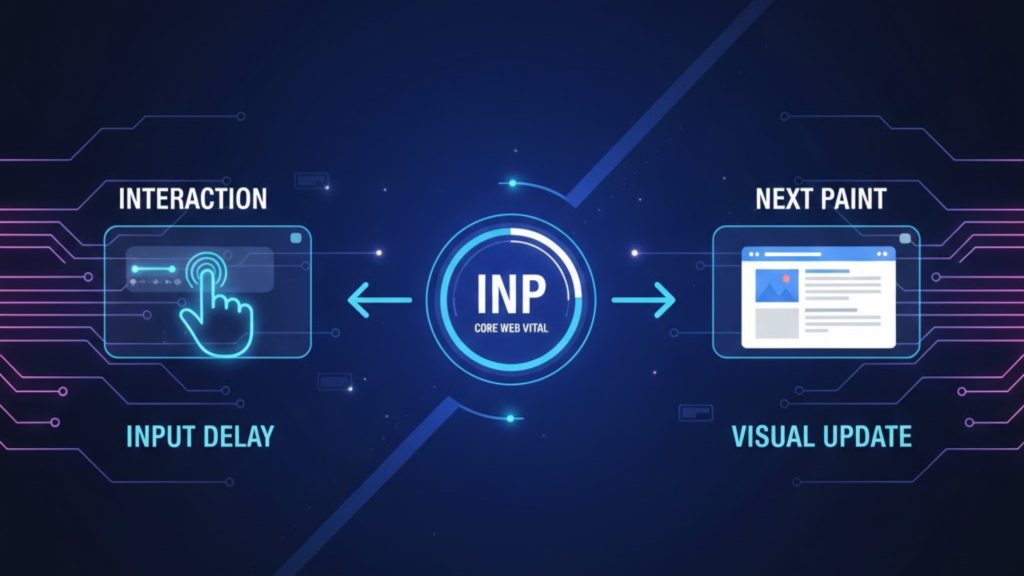
What is Interaction to Next Paint (INP)?
Interaction to Next Paint is a stable Core Web Vital metric that measures a website’s overall responsiveness to user interactions throughout the entire duration of a visit. In 2026, INP has completely replaced First Input Delay (FID) as the gold standard for measuring how “snappy” a site feels. While FID only tracked the very first interaction, INP observes every click, tap, and keypress, reporting the longest delay between a user action and the subsequent visual update (paint).
To maintain a “Good” rating in 2026, your INP must be 200 milliseconds or less. If your score exceeds 500ms, your site is classified as “Poor,” which can negatively impact both your user conversion rates and your Google search rankings.
The Shift: Why INP Replaced FID in 2026
In 2026, we focus on the total experience, not just the first impression. The transition from FID to INP was driven by the need for a more holistic responsiveness metric.
| Feature | First Input Delay (FID) | Interaction to Next Paint (INP) |
| Scope | First interaction only | All interactions (all-time) |
| Duration | Only the delay before processing | Full time until visual feedback |
| Application | Static-heavy pages | Highly interactive SPAs |
| User Value | “Can I start?” | “Does this site lag?” |
| Ranking Signal | Retired in 2024 | Primary Ranking Factor |
The Three Phases of an Interaction
To optimize your Interaction to Next Paint (INP), you must understand the three distinct components that make up the score. If any of these phases take too long, your site will feel sluggish to the user.
1. Input Delay
This is the time between the user interaction and the moment the site’s event handlers start to run. This delay is usually caused by Main Thread Blocking, where the browser is too busy executing other JavaScript (like third-party ads or heavy tracking scripts) to notice the user’s click.
2. Processing Time
This is the time it takes for your JavaScript event handlers to actually execute. In 2026, complex logic in click handlers—such as heavy data recalculations or immediate DOM updates—is the primary cause of high processing time.
3. Presentation Delay
Even after your code finishes, the browser still needs to recalculate the layout and paint the next frame on the screen. If your DOM size is excessive or your CSS is too complex, this final paint is delayed, leading to a poor INP score.
How to Improve Your INP Score in 2026
Optimizing for responsiveness requires a “less is more” approach to JavaScript. Consequently, you should follow these three proven strategies:
- Yield to the Main Thread: Use the
scheduler.yield()API orsetTimeout(0)to break up long JavaScript tasks. This gives the browser a “breathing room” to handle user input between blocks of code. - Reduce Third-Party Bloat: Audit your tag managers. Chat widgets, heatmaps, and trackers often hijack the main thread at the exact moment a user tries to interact with your page.
- Simplify the DOM: Keep your HTML structure lean. A massive DOM tree (over 1,500 elements) significantly increases the time it takes for the browser to “paint” the next frame after an interaction.
Frequently Asked Questions (FAQ)
1. What is a “Good” INP score in 2026?
A score of 200ms or lower is considered good. Scores between 200ms and 500ms “Need Improvement,” and anything over 500ms is “Poor”.
2. Does scrolling affect my INP score?
No. Hovering and scrolling are not currently measured by INP. The metric focuses solely on active interactions like clicks, taps, and keypresses.
3. How do I measure my INP in 2026?
The best way is to use Field Data from the Chrome UX Report (CrUX) or Google Search Console. For real-time lab testing, use the Long Animation Frames (LoAF) API in Chrome DevTools.
4. Why is my mobile INP worse than desktop?
Mobile devices have significantly weaker CPUs. Tasks that take 20ms on a laptop can take 200ms on a mid-range phone, causing your mobile INP to spike.
5. Why do I see an Apple Security Warning on my performance tools?
If your diagnostic tools attempt to intercept system-level events or use non-standard tracking on an iOS device, you may trigger an Apple Security Warning on your iPhone.
6. Can a high INP hurt my SEO?
Yes. As an official Core Web Vital, a poor INP score acts as a “negative tie-breaker” in search rankings, especially for competitive high-intent keywords.
7. Does server speed affect INP?
Only indirectly. While a fast server helps with initial loading, INP is almost entirely a frontend performance issue caused by JavaScript and rendering bottlenecks.
8. What is the “98th Percentile” rule?
To avoid punishing sites for a single outlier interaction (like a random browser freeze), Google uses the 98th percentile of all interactions to calculate your official INP score.
Final Verdict: The Responsiveness Revolution
In 2026, Interaction to Next Paint (INP) is the most important metric for building user trust. When your site responds instantly, your brand feels high-end and reliable. When it lags, it feels amateur. Optimizing for INP is no longer just a technical chore; rather, it is the most critical UX strategy you can implement this year.
Ready to boost your site’s speed? Check out our guide on Islands Architecture and Astro to see how to eliminate main-thread bloat, or discover the Top Dev Skills Needed to Shine in 2026.
Authority Resources
- web.dev: Interaction to Next Paint (INP) Deep Dive – The official Google documentation for the metric.
- DebugBear: How to Measure and Optimize INP – Technical guide to using 2026 RUM tools.
- MDN Web Docs: Interaction to Next Paint Glossary – Clear definitions for the Event Timing API.
- GTmetrix: Lighthouse and INP Metrics – Benchmarks for field-only performance scoring.





