
What are micro-animations in 2026?
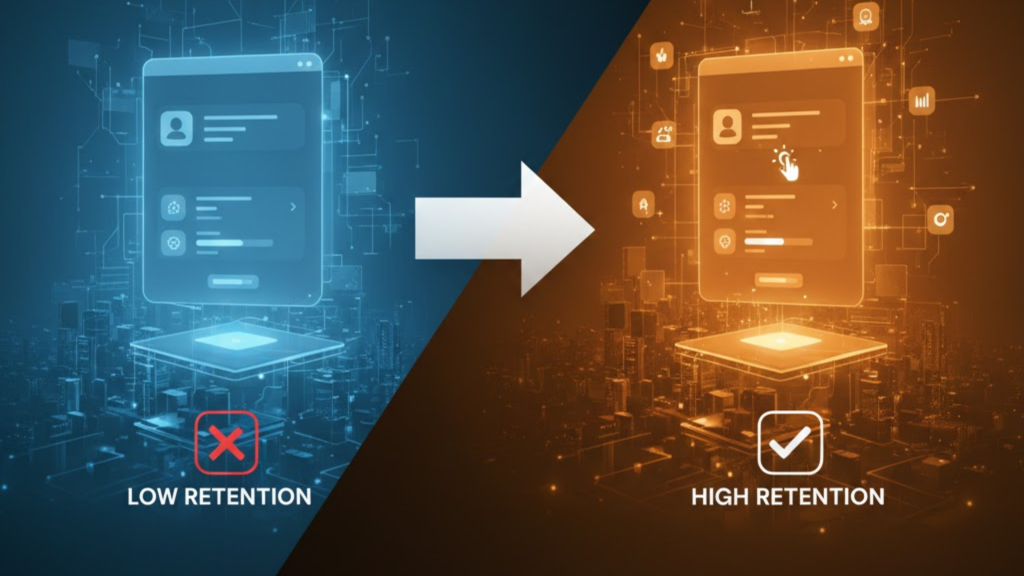
Micro-animations (or micro-interactions) are small, functional motion cues that respond to user actions. In 2026, they have evolved from “cute additions” to “essential feedback loops.” They serve a single, clear purpose: acknowledging a user’s intent and confirming that the system has processed it. When a button subtly pulses upon being clicked or a toggle switch slides with a soft spring effect, it builds a “neurological bridge” of trust between the user and your app.
The Retention Impact: Why Motion Matters in 2026
Data from 2026 UX audits shows that sites using purposeful motion see a 22% drop in bounce rates. Motion guides the eye, reduces cognitive load, and transforms a “static document” into an “interactive tool.”
| Animation Type | Primary Retention Goal | Impact Metric (2026) |
| Instant Feedback | Build trust/confidence | 15% faster task completion |
| Progressive Disclosure | Prevent overwhelm | Higher feature adoption |
| Celebratory Cues | Create “Delight” moments | Increased brand loyalty |
| Skeletal Shimmers | Lower perceived wait time | Reduced abandonment |
| Navigation Transitions | Preserve spatial context | Fewer navigation errors |
3 Pillars of Effective Motion UI
To increase retention without hurting performance, your micro-animations must follow the Purpose-First rule.
1. The 300ms Rule (Timing)
In 2026, users have zero patience. Feedback animations (like a button click) should stay under 200ms. Transitions between pages or opening modals can go up to 350ms, but anything longer feels “heavy” and slow.
Pro Tip: Use
cubic-bezier(0.4, 0, 0.2, 1)easing. This mimics real-world physics (acceleration and deceleration), making the motion feel “human” rather than robotic.
2. Meaningful Feedback (The Handshake)
Every interaction needs a response.
- Toggles: Should slide and change color simultaneously to confirm the state change.
- Forms: Instead of a static “Success” message, use a small checkmark animation. This “Positive Feedback Animation” celebrates small wins and keeps users coming back.
3. Spatial Continuity
When a user clicks a “View Details” button, the details shouldn’t just “pop” in. Instead, use a shared-element transition where the button expands into the details panel. This preserves the user’s spatial orientation, ensuring they never feel “lost” in your app.
Accessibility & Performance Guardrails
Motion can be a double-edged sword. In 2026, accessibility is a legal requirement, and performance is a ranking factor.
- Respect “Reduced Motion”: Always wrap your animations in the
@media (prefers-reduced-motion)query. For users with vestibular disorders, your “smooth” motion can cause actual physical pain. - GPU-Only Transforms: Only animate
transform(scale, translate, rotate) andopacity. Animating properties likeheight,width, ortopforces the browser to re-calculate the entire layout, causing “jank” (stuttering) and hurting your Interaction to Next Paint (INP) score.
Frequently Asked Questions (FAQ)
1. Do micro-animations slow down my site?
If done correctly (using CSS and GPU acceleration), they have zero impact on load speed. However, using heavy JavaScript libraries for simple button hovers can bloat your bundle and increase your Total Blocking Time (TBT).
2. What is the best tool for web animations in 2026?
Framer Motion and GSAP are the industry standards for complex logic. For lightweight, high-performance micro-interactions, Lottie (using JSON files) is preferred for complex vector animations.
3. Can I use AI to generate these animations?
Yes. In 2026, AI-First IDEs (like Cursor) can generate the CSS and easing curves for you. However, you must still provide the “Rules” (Trigger -> Feedback) to ensure the animation serves a purpose.
4. Why do I see an Apple Security Warning during my animation?
If your animation script attempts to access unauthorized hardware-level telemetry to “sync” motion across devices, it may trigger an Apple Security Warning on your iPhone.
5. How many animations are “too many”?
If every element is bouncing, nothing is important. Motion should be used sparingly to guide attention. A general 2026 rule: only animate the primary action on any given screen.
6. Do micro-interactions help with SEO?
Indirectly, yes. Higher retention and longer “time-on-page” are positive signals to Google. Furthermore, smooth motion improves your INP score, which is a confirmed Core Web Vital ranking factor.
7. What is “Haptic Feedback” in web UI?
For mobile users, micro-animations are often paired with haptics (vibrations). A “Success” checkmark is much more satisfying if it’s accompanied by a tiny, sharp vibration from the phone.
8. How do I test my animations?
Use Chrome DevTools Performance Panel to check for frame drops. Your animations must maintain a steady 60 FPS (Frames Per Second) to feel professional.
Final Verdict: Motion is the “Soul” of UI
In 2026, Motion UI is what separates a “website” from a “product.” By using micro-animations to confirm, guide, and delight, you create an experience that users don’t just use, they enjoy.
Ready to bring your site to life? Explore our guide on Glassmorphism 2.0: Modern CSS Techniques to see how to pair motion with depth, or learn about the Top Dev Skills Needed to Shine in 2026.
Authority Resources
- Nielsen Norman Group: Mobile UX Micro-interactions – Scientific research on user expectations and cognitive load.
- MockFlow: 10 UI Trends Shaping 2026 – How motion graphics and gamification are defining the future of digital products.
- DEV Community: 5 Design Rules for 2026 – Practical roadmap for implementing brand-aligned motion.
- Crazy Domains: Micro Animations for Higher Engagement – Patterns that reduce friction and abandonment.





