
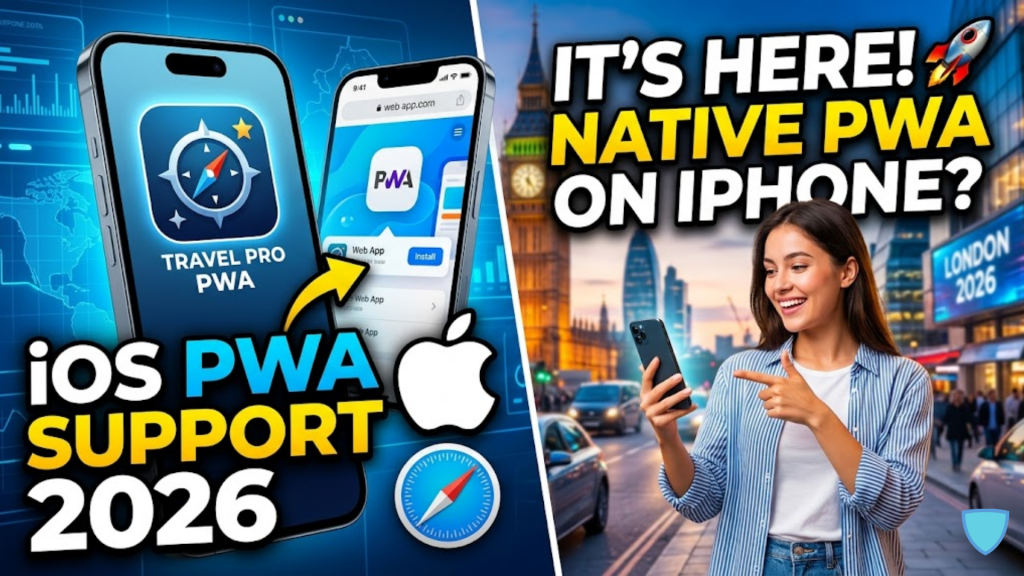
What is the status of iOS PWAs in 2026?
As of early 2026, iOS PWA support is defined by “Regional Fragmentation.” For users outside the European Union, Apple has significantly improved the experience with the release of iOS 26, introducing the Liquid Glass design system that allows web apps to feel more integrated into the OS than ever before. However, for users within the EU, the situation remains complicated due to Apple’s compliance with the Digital Markets Act (DMA), which has led to a “degraded” experience where PWAs often lack standalone windows and push notifications.
Success in 2026 requires developers to treat the iPhone not as a single platform, but as a dual-regulatory environment.
Global iOS 26 PWA Features (Non-EU)
For the majority of the world, Apple has actually expanded PWA capabilities to compete with native apps.
| Feature | Status in iOS 26 | Why It Matters |
| Liquid Glass UI | Full Support | PWAs now use native blur and depth effects |
| Web Push API | Stable | Works via Safari 19.4+ for installed apps |
| App Badging | Supported | Notification counts appear on the home screen icon |
| Wake Lock API | New for 2026 | Prevents screen dimming for dashboards/recipes |
| Storage Quota | Expanded | Up to 60% of total disk space per origin |
🛡️ The EU Dilemma: The DMA Impact
Because the EU requires Apple to allow alternative browser engines (like Chrome’s Blink) to run PWAs, Apple chose to “neutralize” the feature in the EU to avoid building a multi-engine security architecture.
- No Standalone Mode: In many EU regions, PWAs no longer open in a dedicated window. Instead, they open as a standard tab in Safari or your default browser.
- Disabled Push: Because push notifications on iOS are tied to the “Standalone” status, EU users often cannot receive web push alerts.
- Data Eviction: Apple maintains an aggressive 7-day cache eviction policy for inactive web apps in the EU, meaning users who don’t open your app weekly may find themselves logged out.
2026 Strategy: The “Three-Tier” Architecture
To ensure your $20/day revenue isn’t affected by these shifts, adopt the Kazki AI three-tier system for iOS users:
- Tier 1 (Push): Target non-EU users with standard Web Push.
- Tier 2 (Badging): Use the Badging API for subtle visual updates for all installed users.
- Tier 3 (Email/SMS): Maintain a fallback for EU users who cannot receive native push notifications.
Frequently Asked Questions (FAQ)
1. Do I need Safari to install a PWA in 2026?
Yes. On iOS, you must still use the “Share → Add to Home Screen” flow within Safari to unlock PWA features. Third-party browsers on iOS (like Chrome) can now trigger this, but they still use Apple’s WebKit engine under the hood.
2. What is “Liquid Glass”?
It is Apple’s 2026 design language for iOS 26. It features translucent, glass-like elements that refract the background. For PWA developers, this means you can use the safe-area-inset properties to blend your app’s header into the status bar for a “native” look.
3. Will PWAs ever be allowed in the EU App Store?
Technically, Apple allows “Web-based” apps in the store, but they must meet strict App Store Review Guidelines. Most developers find it easier to distribute PWAs via the web to avoid Apple’s Core Technology Commission (CTC) fees.
4. Why do I see an Apple Security Warning on my PWA?
If your app attempts to use “Unsafe-Eval” in its scripts or lacks a valid 2026 Content Security Policy (CSP), you may trigger an Apple Security Warning on your iPhone.
5. Does the 7-day cache eviction affect everyone?
No. This “inactive” eviction primarily affects users who haven’t added the app to their home screen or haven’t interacted with it in 7 days. Installed PWAs that have been granted Notification Permission are often exempt from this policy.
6. Can a PWA access Bluetooth or NFC in 2026?
No. Despite pressure from regulators, Apple still blocks Web Bluetooth and Web NFC on iOS for security reasons. If your project requires hardware access, you must use a native app or a hybrid framework like Capacitor.
7. What is the “BFF” for iOS PWA?
The Backend-for-Frontend pattern is crucial here. Use your BFF to detect the user’s region and browser engine, then serve the appropriate “tier” of PWA functionality to avoid a broken user experience in the EU.
8. Is the “Add to Home Screen” prompt automatic?
No. Unlike Android, iOS still does not support the beforeinstallprompt event. You must build your own UI “HINT” to teach users how to install the app manually.
Final Verdict: Regional Adaptability is Key
In 2026, navigating iOS PWA support is an exercise in regional strategy. While the global market enjoys a “Liquid Glass” renaissance, the EU market requires a more traditional web approach. By building a flexible, multi-tier PWA, you protect your user base and ensure your mobile presence remains resilient against platform shifts.
Ready to build a resilient PWA? Explore our guide on Converting Your WordPress Site into a PWA or learn about the Top Dev Skills Needed to Shine in 2026.
Authority Resources
- MagicBell: PWA iOS Limitations and Safari Support – Comprehensive technical breakdown of what is broken and what works.
- MobiLoud: Do Progressive Web Apps Work on iOS? (2026 Guide) – Comparing the 2026 PWA score between iOS and Android.
- Apple Developer: Sending Web Push Notifications – Official documentation for the Push API and Badging.
- RevenueCat: Apple’s EU DMA Update and 2026 Fee Sunset – Understanding the economic impact of the new EU web distribution rules.





