
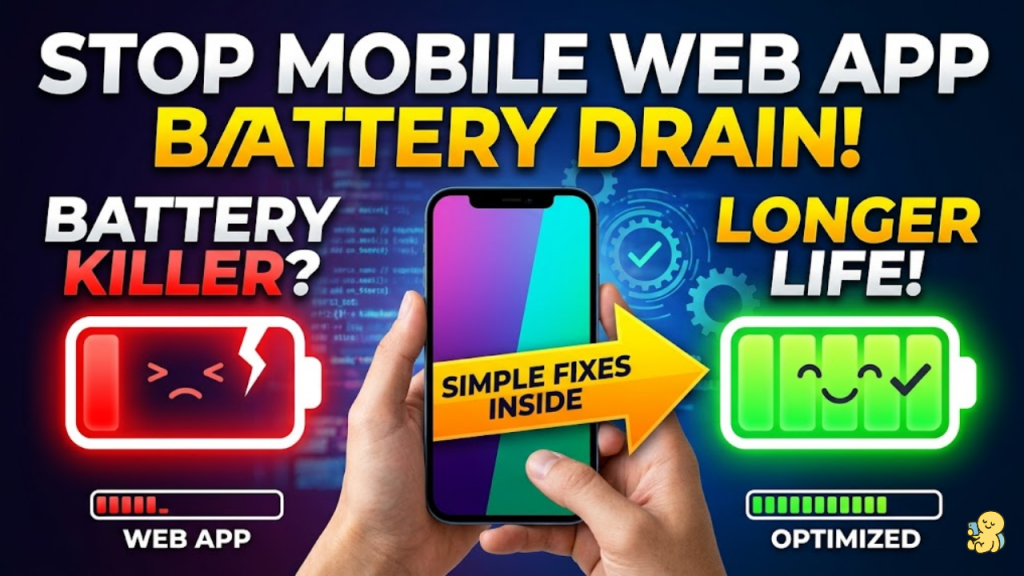
Why does battery efficiency matter in 2026?
Battery drain is no longer just a user inconvenience; it is now a critical SEO and Store Ranking factor. Starting in March 2026, Google began flagging Android apps that keep devices awake for more than two hours in a 24-hour cycle. For web developers, high power consumption leads to “Thermal Throttling,” where the device slows down your site’s performance to prevent overheating. Consequently, a battery-hungry site is a slow, low-ranking site.
By optimizing for energy, you ensure your app remains fast, ranks higher, and earns the trust of all-day mobile users.
3 Pillars of Energy-Efficient Web Design
In 2026, the most effective way to save power is to reduce the “Radio” and “CPU” wake cycles.
1. Group and Batch Network Requests
The mobile radio (5G/Wi-Fi) is the biggest battery killer. Every time your app makes a small API call, it “wakes up” the radio, which stays active for several seconds afterward.
- The Strategy: Batch your network requests. Instead of five separate calls, send one “Bundle” request. This allows the radio to return to a low-power “Sleep” state immediately.
2. Implement “Dark Mode First” for OLED
Most modern smartphones in 2026 use OLED or AMOLED screens. In these displays, black pixels are physically turned off.
- The Impact: Switching from a white interface to a true black interface can reduce screen power consumption by up to 60%. Always respect the
prefers-color-scheme: darkmedia query or offer a “Battery Saver” toggle.
3. Replace Polling with Event-Driven AI
If your app uses AI agents or real-time data, stop “Polling” (asking the server for updates every 10 seconds).
- The Strategy: Use WebSockets or Push Notifications. These allow your app to stay “Idle” until the server explicitly has something new to say. This prevents “Silent Battery Drain” caused by unnecessary CPU activity.
Performance Benchmarks for 2026
To stay off the “Shame Lists,” your mobile web app should aim for these energy-conscious targets:
- Idle Drain: Your app should consume less than 3% battery per hour during background sync.
- CPU Load: Maintain active session CPU usage under 30%.
- Wake Locks: Release any “Wake Locks” immediately. An app that prevents the screen from turning off is the fastest way to a 1-star review.
Frequently Asked Questions (FAQ)
1. Does 5G use more battery than Wi-Fi?
Yes. 5G connectivity requires significantly more power for data processing and signal maintenance. Encourage users to use Wi-Fi when available, as it is generally more energy-efficient for large data transfers.
2. How do animations affect battery life?
Complex or “Busy” animations keep the GPU active, which is a major energy consumer. In 2026, the trend is Minimalist Motion. Use subtle transitions only where they add real value to the user journey.
3. What is “Model Quantization” for mobile AI?
If you run AI models directly in the browser, use 8-bit or lower precision models. This reduces the memory load and CPU cycles required for inference, saving substantial battery power.
4. Why do I see an Apple Security Warning on my energy tools?
If your diagnostic tools attempt to monitor hardware-level battery telemetry or background processes without proper entitlement, you may trigger an Apple Security Warning on your iPhone.
5. Can “Lazy Loading” save battery?
Absolutely. By only loading the images and scripts that are currently on the screen, you reduce the initial CPU burst and network radio time required to render the page.
6. What is “Geofencing” vs. GPS Polling?
For location-based apps, stop asking for GPS coordinates every few seconds. Instead, use Geofencing to alert the app only when the user crosses a virtual boundary. This is significantly more energy-efficient.
7. How do I test my app’s power usage?
Use Chrome DevTools’ Performance Monitor or the Android Vitals Console. These tools provide real-time data on CPU spikes and “Excessive Wake Locks”.
8. Does font choice affect battery?
Slightly. Using System Fonts (like San Francisco or Roboto) is more efficient than loading custom web fonts because the device already has them in memory, saving a network request and rendering time.
Final Verdict: Efficiency is the New Features
In 2026, the best apps are those that users don’t have to think about. By building a battery-efficient web application, you protect your users’ hardware and your own search rankings. Efficiency isn’t just a technical goal; it is a sign of a premium, professional product.
Ready to optimize your site? Explore our guide on Converting Your WordPress Site into a PWA to learn about background sync or discover the Interaction to Next Paint (INP) to keep your UI snappy and light.
Authority Resources
- Apple Support: If your battery drains too quickly – Official insights into adaptive power and signal strength impacts.
- The Jerusalem Post: Google to flag battery-draining apps – Crucial news on the March 2026 Play Store ranking changes.
- Sidekick Interactive: Checklist for Optimizing App Battery – A technical roadmap for CPU and network resource management.
- Theta Technolabs: Mobile App Performance Challenges 2026 – Understanding the retention economy and the cost of power-hungry AI.





