
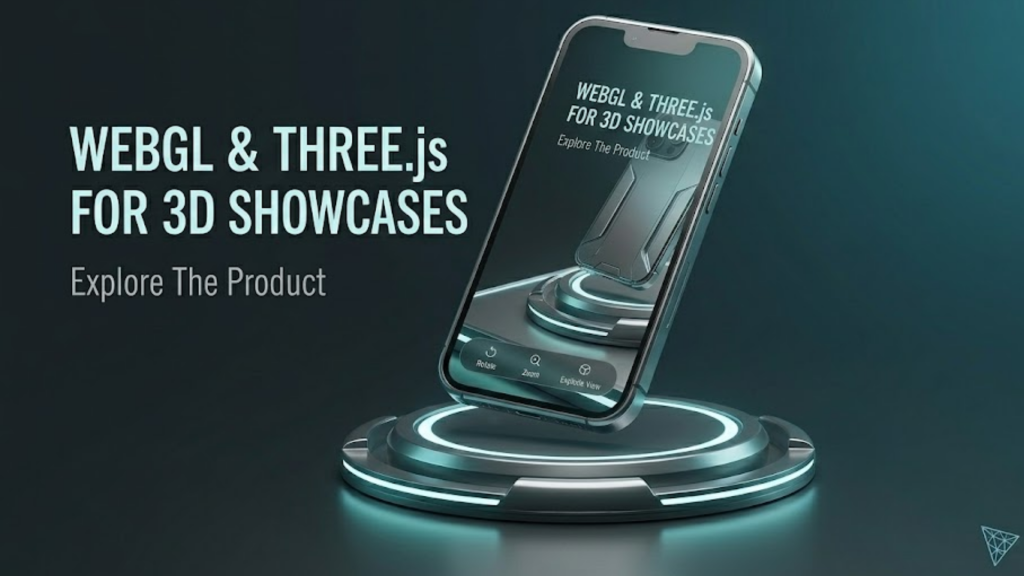
What is a 3D Product Showcase in 2026?
A 3D product showcase is an interactive web experience that allows users to rotate, zoom, and customize a product in real-time within their browser. In 2026, this is powered by WebGL (the low-level API) and Three.js (the high-level library). Unlike traditional 360-degree videos, a Three.js showcase is a live 3D scene where users can change colors, swap materials, and even see how a product works through exploded-view animations.
This technology has become the standard for “high-intent” shopping because it bridges the gap between digital browsing and physical inspection.
3 Pillars of a High-Performance 3D Showcase
To build a professional 3D experience in 2026, you must balance visual fidelity with web performance.
1. The GLTF/GLB Standard
In 2026, GLTF (Graphics Library Transmission Format) is the “JPEG of 3D.” It is the most efficient way to load 3D models on the web.
- The Strategy: Always use compressed GLB files. Use tools like Draco Compression to shrink your 3D models by up to 90% without losing visual detail. This ensures your showcase loads in under 2 seconds.
2. Physically Based Rendering (PBR)
To make a product look “real,” you need PBR Materials. These materials react to light exactly like real-world surfaces.
- The Implementation: Use Three.js
MeshStandardMaterial. It allows you to define properties like Metalness, Roughness, and Clearcoat. For a watch or a car, these settings create the realistic reflections that drive sales.
3. Progressive Loading and Suspense
3D assets are heavy. In 2026, we use Progressive Loading to prevent users from staring at a blank screen.
- The Implementation: Show a low-resolution “proxy” model or a beautiful 2D placeholder while the high-res 3D assets stream in the background. If you use React Three Fiber, use
<Suspense>to handle these loading states gracefully.
Enhancing UX with Micro-Interactions
A 3D showcase shouldn’t just be a static model; it should be an experience.
- Hotspots: Add clickable points on the 3D model that open info-tooltips. For example, a “Hotspot” on a sneaker might explain the “Cushioning Technology” as the camera zooms in automatically.
- Camera Tweening: Use libraries like GSAP or TWEEN.js to create smooth, cinematic camera transitions. When a user selects a feature, the camera should “glide” to the best viewing angle.
- Environment Maps: Instead of placing a product in a void, use HDR Environment Maps. This provides natural, 360-degree lighting and reflections that make the product feel like it’s in a real room or studio.
Frequently Asked Questions (FAQ)
1. Does Three.js work on mobile browsers?
Yes! In 2026, mobile GPUs are more than powerful enough for Three.js. However, you should reduce the Polygon Count and use smaller Texture Sizes (e.g., 1K instead of 4K) for mobile users to save battery and data.
2. Is WebGL better than WebGPU?
WebGPU is the newer, faster successor to WebGL. In 2026, it is widely supported. While WebGL is still great for compatibility, WebGPU allows for much more complex lighting and thousands of simultaneous objects.
3. How do I get 3D models for my showcase?
You can export them from tools like Blender, C4D, or Rhino. If you don’t have a model, many 2026 e-commerce platforms provide 3D Scanning tools that turn phone photos into ready-to-use GLB files.
4. Why do I see an Apple Security Warning on my 3D app?
If your WebGL app attempts to access hardware-level information or use non-standard “fingerprinting” techniques to track users, you may trigger an Apple Security Warning on your iPhone.
5. Can I use 3D showcases with Shopify?
Absolutely. Shopify has native support for 3D models. You can use Three.js to create a custom “Product Page Template” that replaces the standard image gallery with a full 3D viewer.
6. Does 3D content hurt my SEO?
No, it can actually help. By increasing the Time on Page, you send a positive signal to Google. Just ensure your 3D canvas has proper alt text and ARIA labels for accessibility.
7. What is “Draco Compression”?
It is an open-source library for compressing and decompressing 3D geometric meshes and point clouds. It is essential for making Three.js apps load quickly over 4G/5G networks.
8. What is the difference between Three.js and Babylon.js?
Both are excellent. Three.js is more popular for Creative Coding and Portfolios, while Babylon.js is often preferred for Game Development and Enterprise CAD tools.
Final Verdict: Reality in the Browser
In 2026, Three.js has turned the web into a physical space. By building high-fidelity 3D showcases, you offer a level of engagement that 2D images simply cannot match, making you an invaluable partner for any brand looking to dominate the digital shelf.
Ready to start your first 3D project? Explore our guide on WebAssembly (Wasm) and Browser Performance to see how to handle heavy 3D logic, or learn about the Glassmorphism 2.0: Modern CSS Techniques to style your 3D UI.
Authority Resources
- Three.js: Official Documentation and Examples – The definitive source for learning the library.
- Codedamn: How to Create a 3D Product Page with Three.js – A step-by-step developer tutorial for e-commerce.
- LogRocket: Getting Started with Three.js and WebGL – Foundational concepts for 3D rendering in the browser.
- Discover Three.js: The 3D Design Systems Manual – Comprehensive patterns for building production-ready 3D apps.





