
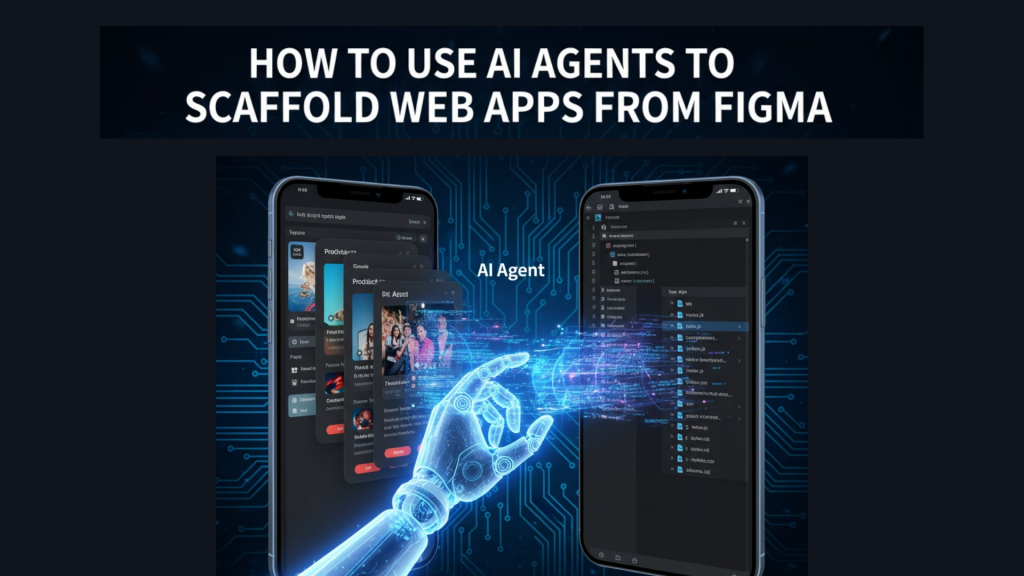
In 2026, the “handoff” between design and development has evolved from a friction point into a seamless automated pipeline. With the rise of agentic workflows, you can now move from a high-fidelity Figma file to a functional, scaffolded web application in minutes.
At WeBlogTrips, we focus on staying ahead of the curve. This guide breaks down the professional workflow for using AI agents to scaffold entire web apps from your Figma designs.
How to Use AI Agents to Scaffold Web Apps from Figma
Traditional “Figma-to-Code” plugins often spit out “spaghetti code” that developers have to rewrite. However, in 2026, AI Agents like Lovable, Replit Agent, and Anima act as autonomous engineers. They don’t just export CSS; they interpret your design system, set up your backend, and scaffold your entire project structure.
The Modern Stack: Best Tools for Scaffolding in 2026
To reach your $20/day goal by launching MVPs faster, you need the right tools. Here are the leading agents for scaffolding:
| Tool | Role | Best Stack | Output Type |
| Lovable | The “Full-Stack Engineer” | React + Tailwind + Supabase | Functional Web App |
| Anima | The “UI Agent” | React / Vue / HTML | Pixel-Perfect Frontend |
| Builder.io | The “Design Systems Agent” | Framework Agnostic | Production Components |
| Replit Agent | The “Deployer” | Python / JS + Database | Hosted MVP |
1. Prepare Your Figma Design for AI Scaffolding
AI agents are “smart,” but they rely on your design’s structure. If your Figma layers are a mess, your code will be too.
- Use Auto Layout: This is mandatory. AI agents use Auto Layout to understand responsive padding, alignment, and flexbox structures.
- Define Design Tokens: Name your colors and typography styles. Modern agents can automatically map these to Tailwind config or CSS variables.
- Componentize: Wrap repeating elements (buttons, inputs) into Figma Components. Agents recognize these as reusable code blocks rather than static divs.
2. The Scaffolding Workflow: From Design to App
Once your Figma file is ready, you follow an agentic pipeline to scaffold the app.
- Export via Plugin: Most agents use a Figma plugin to “read” the design. For example, using the Anima or Builder.io plugin, you select your frames and click “Sync”.
- Engage the Agent: Open your agentic IDE (like Lovable or Cursor). Provide the Figma link or the exported code and prompt: “Scaffold a full-stack React app based on this design. Use Supabase for auth and database.”.
- Iteration Loop: The agent will plan the architecture, implementation, and database schema. It will build the frontend, then ask: “I have scaffolded the UI. Should I now connect the ‘Login’ button to the auth service?”.
3. Connecting the Backend Automatically
In 2026, agents can handle Schema-first generation. When an agent sees a “Product List” in your Figma, it doesn’t just make a list; it suggests a SQL database schema to store those products.
- The Prompt: “Generate a database schema in Supabase that matches the ‘Order History’ table in this design.”
- The Result: The agent writes the SQL, sets up the API routes, and hooks up the frontend data-fetching using React Query.
Frequently Asked Questions (FAQ)
1. Can AI agents handle complex logic?
Yes, but you must be specific. Use “Outcome-driven prompting.” Instead of saying “Make a button,” say: “When the user clicks ‘Checkout’, check the inventory in the database and then redirect to the Stripe payment page.”.
2. Is the code production-ready?
Agents like Replit and Lovable generate high-quality code, but it still requires a human review. You should treat the scaffolded app as a “Senior-level MVP” that needs final QA.
3. Why does my scaffolded app show an Apple Security Warning?
If your agent sets up a local dev server without an SSL certificate, or if you use an insecure http API endpoint, you might trigger an Apple Security Warning on your iPhone during testing. Ensure your agent configures HTTPS for all environments.
Final Verdict: Scaffolding with AI Agents
To master AI Agent scaffolding:
- Figma structure is your source of truth; use Auto Layout religiously.
- Use Lovable or Anima for the fastest design-to-functional-app conversion.
- Iterate through chat to build backend logic rather than writing manual code.
By delegating the repetitive “scaffolding” work to AI agents, you can focus on the unique business logic that actually drives revenue for your site.
More From Weblogtrips
- What is Agentic AI and How Does it Differ from Generative AI?
- React Query vs useEffect for Data Fetching: Why agents use modern data-sync libraries.
- Common JavaScript Memory Leaks: Why holding onto old references can crash your app.
- Why Your Website Is Slow and How to Fix It: See how event bloat contributes to slow sites.
- Why JavaScript Is Single-Threaded: How the engine manages memory references.
- Promise vs async/await: What Actually Happens?: How orders move through the kitchen.
- JavaScript Closures Explained Like You’re 5: How memory is preserved during async suspension.
- Why Your Website Is Slow and How to Fix It: CDNs are the #1 fix for global slowness.
- let vs var vs const Explained with Real Examples: Why block scope is the best partner for closures.
- REST API vs GraphQL Explained for Beginners: APIs are where most CORS errors live.
- Best Website Hosting 2026: Find hosts with integrated CDN features.
- HTML vs HTML5: What’s the Real Difference?: The foundation that holds your CSS.
- What Happens When You Type a URL in a Browser: Where JavaScript begins its execution.
- Frontend vs Backend vs Full Stack 2026 Guide: Why React mastery is essential for frontend roles.
External Links
- Builder.io: Figma to Code AI: Official guide on using Figma’s AI toolkit.
- Lovable.dev: The leading agent for design-to-app scaffolding.
- Figma AI Official Documentation: Understanding the built-in AI tools.





