
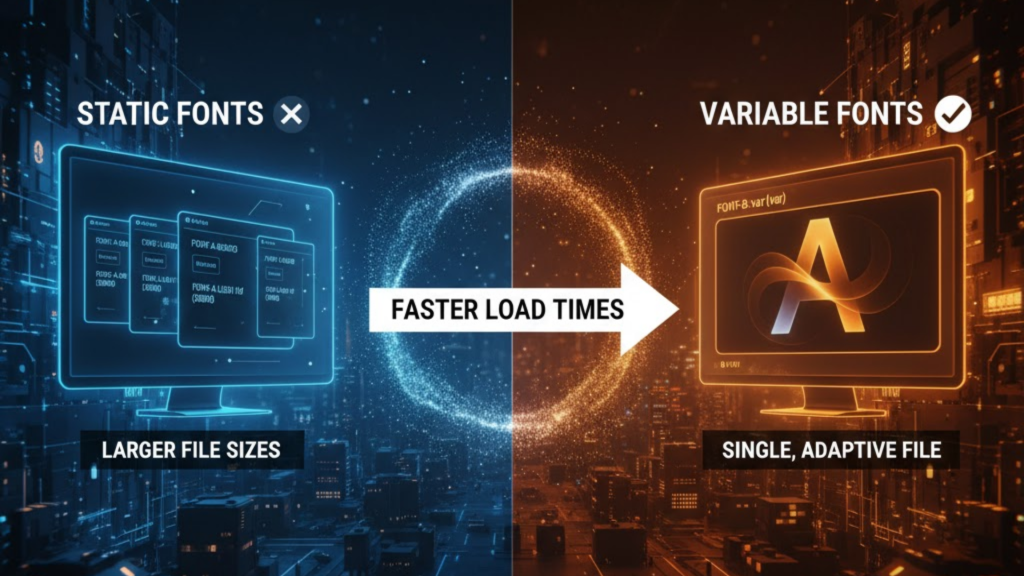
What are variable fonts?
Variable fonts are an evolution of the OpenType font format that allows an entire font family to be stored in a single file. In 2026, they have replaced “static” fonts as the industry standard. Instead of downloading separate files for Regular, Bold, Italic, and Light, a variable font uses “Axes” (like weight or width) to allow you to generate an infinite variety of styles from one compact asset.
By switching to variable fonts, you can reduce your font-related network requests by up to 80% and shrink your total typography payload by over 65%.
The Performance Breakdown: Static vs. Variable (2026)
In 2026, the “JavaScript Tax” is heavily scrutinized, but the “Font Tax” is where many sites actually fail their Largest Contentful Paint (LCP).
| Metric | Static Fonts (Traditional) | Variable Fonts (2026 Standard) |
| Network Requests | 4 – 10 separate requests | 1 single request |
| Total File Size | ~250KB – 500KB+ | ~60KB – 120KB |
| Rendering | Jarring style jumps | Fluid, smooth transitions |
| Layout Shift (CLS) | High (as files load) | Minimal (Atomic loading) |
| Creative Control | Fixed (400, 700, etc.) | Continuous (Any value 1-999) |
How to Implement Variable Fonts in CSS
In 2026, implementation is streamlined through the @font-face rule and standard CSS properties.
1. The Modern @font-face Declaration
You should define the ranges for your axes directly in your CSS. This tells the browser exactly what the font is capable of before it even finishes downloading.
CSS
@font-face {
  font-family: 'Inter Variable';
  src: url('inter-var.woff2') format('woff2-variations');
  font-weight: 100 900; /* Define the range of available weights */
  font-display: swap;   /* Ensure text is visible immediately */
}
2. Using Registered Axes
Most 2026 variable fonts support the “Big Five” registered axes. Use standard CSS properties whenever possible for better accessibility:
- Weight (
wght): Usefont-weight: 450;(Yes, you can use decimals!). - Width (
wdth): Usefont-stretch: 85%;to save horizontal space on mobile. - Slant (
slnt): Usefont-style: oblique 10deg;for custom italics.
3. Precision Control with font-variation-settings
For custom axes (like “Grade” or “Optical Size”), use the low-level property. For example, use Optical Size (opsz) to make text more readable at tiny sizes on smartwatches:
CSS
p {
  font-variation-settings: "wght" 375, "opsz" 12;
}
The SEO and Accessibility Impact
Google’s 2026 algorithm prioritizes sites that provide a stable, fast reading experience. Variable fonts directly improve your Interaction to Next Paint (INP) by freeing up the main thread from handling multiple font-switching events. Furthermore, they improve accessibility by allowing users to increase font weight dynamically if they have low-vision settings enabled on their device.
Frequently Asked Questions (FAQ)
1. Are variable fonts supported in all 2026 browsers?
Yes. Every major browser, Chrome, Safari, Firefox, and Edge; has 100% support for variable fonts. You should still provide a static fallback for legacy systems, but they are production-ready for the modern web.
2. Is the single variable font file bigger than a single static file?
Yes, usually. A variable font file is larger than one static weight, but it is much smaller than the combined size of the 4 or 5 static weights you would usually load.
3. Can I use variable fonts with Google Fonts?
Absolutely. Google Fonts v2 API serves variable fonts by default. You can pick exactly the ranges you need, and Google will serve a single, optimized .woff2 file.
4. Why do I see an Apple Security Warning during font loading?
If you attempt to load fonts from an unverified third-party domain without a proper Content Security Policy (CSP), you may trigger an Apple Security Warning on your iPhone.
5. What is “Faux Bolding”?
Faux bolding happens when a browser tries to “fake” a bold style because it can’t find a bold font file. With variable fonts, this is eliminated because the font file itself contains the mathematical instructions to become truly bold.
6. Do variable fonts affect CLS?
Yes, they help. Since all weights are in one file, the browser doesn’t “re-render” the layout multiple times as different weights arrive over the network.
7. What are “Custom Axes”?
Designers can create unique axes like “Glow,” “Curvature,” or “Gravity.” While not standardized, these can be controlled via font-variation-settings to create high-impact brand identities.
8. Should I use variable fonts for body text?
Yes. Using a variable font for body text allows you to fine-tune the weight for dark mode (slightly lighter weight looks better on dark backgrounds) without loading any extra files.
Final Verdict: One File to Rule Them All
In 2026, Variable Fonts are the most powerful tool in your typography kit. By consolidating your styles into a single, fluid asset, you deliver a faster, more accessible, and visually superior experience to your users.
Ready to optimize your site? Explore our guide on Critical CSS for Instant Loading or learn how to minimize shifts in Reducing Layout Shift (CLS) in Dynamic Ads.
Authority Resources
- New Target: Typography Trends and Variable Fonts – A detailed breakdown of the 65% data reduction benefits.
- MDN Web Docs: Variable Fonts CSS Guide – The technical manual for registered and custom axes.
- Medium: The Flexible Future of Variable Typefaces – Why variable fonts are the standard for 2026 design systems.
- Muzli: Best Free Variable Fonts for 2026 UI – A curated list of production-ready fonts for SaaS and dashboards.





