
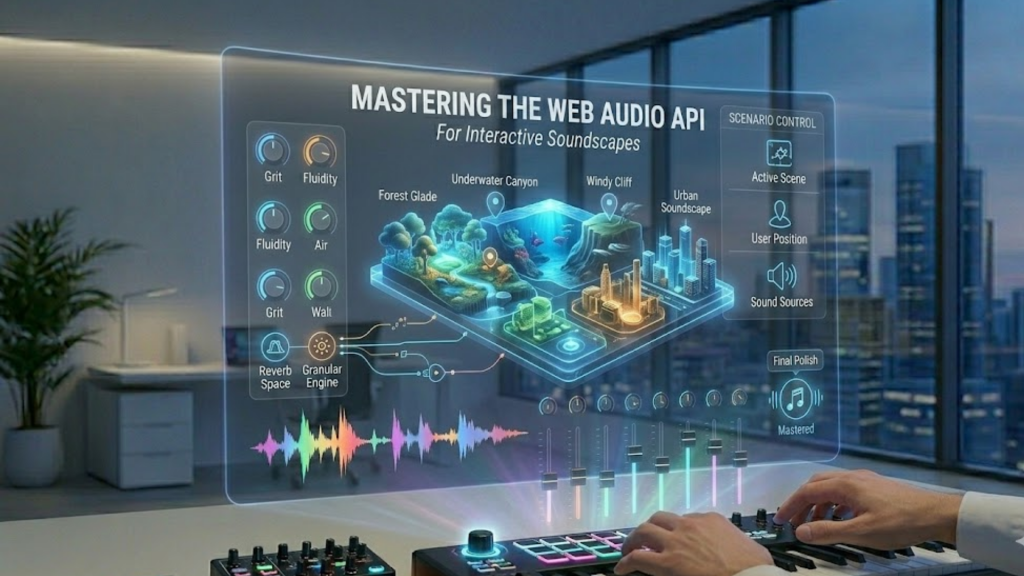
What is the Web Audio API in 2026?
The Web Audio API is a high-level JavaScript system for processing and synthesizing audio in the browser. In 2026, it has become the standard for “Generative Intelligence” in sound. Instead of just playing a file, the API allows you to build an Audio Graph of interconnected nodes-oscillators, filters, and spatial panners, that can generate infinite, non-repetitive soundscapes in real time.
This “Code-as-Sound” approach is essential for 2026 immersive experiences because it adapts to the user’s environment and actions without the lag of traditional audio playback.
3 Pillars of 2026 Interactive Sound Design
In 2026, professional soundscapes focus on Adaptive Scoring, Spatial Immersion, and Low-Latency Synthesis.
1. The AudioContext and Graph
The AudioContext is your workspace. Everything you build is a “Node” in a graph.
- The Strategy: Use a
MediaStreamAudioSourceNodefor live input or anOscillatorNodefor synthesized tones. Connect these to aGainNodefor volume control and aBiquadFilterNodeto shape the “atmosphere” (e.g., making the sound feel “muffled” when a user opens a menu).
2. Spatial 3D Audio (PannerNode)
In 2026, soundscapes are 360°. Using the PannerNode with HRTF (Head-Related Transfer Function), you can position sounds in 3D space.
- The Implementation: As a user moves their mouse or tilts their phone, update the
positionX,positionY, andpositionZvalues. This makes a virtual “bird” sound like it is actually flying behind the user’s head.
3. AudioWorklet for Custom Effects
For high-performance 2026 apps, standard nodes aren’t enough.
- The Strategy: Use AudioWorklet to run your custom digital signal processing (DSP) code in a separate thread. This ensures that even if your main UI is busy, your audio remains glitch-free and perfectly synchronized.
The 2026 Adaptive Audio Workflow
To build a soundscape that “talks back,” you must connect your UI events directly to your audio parameters.
- The Trigger: When a user scrolls, map the scroll speed to a
playbackRateor a filterfrequency. - The Result: The background “wind” sound becomes higher pitched and more intense as the user scrolls faster, creating a “visceral” connection to the content.
Frequently Asked Questions (FAQ)
1. Is Web Audio better than just using an <audio> tag?
Yes. The <audio> tag is for linear playback (like a podcast). The Web Audio API is for interactive, dynamic, and synthesized sound that needs to be manipulated in real time.
2. How do I handle the “Autoplay Policy”?
In 2026, browsers still block audio until the user interacts with the page. You must “resume” your AudioContext inside a click or touch event listener to unlock the sound.
3. Can I use AI with the Web Audio API?
Absolutely. In 2026, many developers use Whisper or Udio to generate “stems” or “prompts” and then use the Web Audio API to mix and spatialize them in real time based on the user’s intent.
4. Why do I see an Apple Security Warning on my audio app?
If your app attempts to access the microphone or sensitive audio buffers without a secure HTTPS connection or proper permissions, you may trigger an Apple Security Warning on your iPhone.
5. Does the Web Audio API work on mobile?
Yes, but you must be careful with CPU usage. Complex graphs with many filters and convolutions can drain battery quickly. In 2026, it is best practice to “suspend” the context when the app is in the background.
6. What is “ConvolverNode”?
It is a powerful node used to create realistic Reverb. By loading an “Impulse Response” (a recording of a real space like a cathedral), you can make your browser-based audio sound like it is actually being played in that room.
7. How do I visualize the sound?
Use the AnalyserNode. It provides real-time frequency and time-domain data that you can use with Canvas or WebGL to create music visualizers that react perfectly to the soundscape.
8. What is the best library for Web Audio in 2026?
While the native API is powerful, Howler.js is excellent for cross-browser stability, and Tone.js is the gold standard for musicians and producers building complex synthesizers in the browser.
Final Verdict: Sound is the Invisible UI
In 2026, Interactive Soundscapes are the next frontier of web engagement. By moving from static files to a dynamic, node-based audio graph, you create an immersive world that reacts to your user, making your web application feel alive.
Ready to start composing? Explore our guide on Conversational UX: Building Interfaces That Talk Back or learn how to optimize your app’s responsiveness in Interaction to Next Paint (INP): The New Core Web Vital.
Authority Resources
- MDN Web Docs: Web Audio API Best Practices – Essential tips for performance, security, and accessibility.
- Ticket Fairy: Immersive Audio in 2026 – How spatial sound is being used in live and digital events.
- Vicomma: AI-Generated Soundscapes in 2026 – The rise of adaptive scoring and dynamic background music.
- DEV Community: Understanding Web Audio APIs – A deep dive into nodes, contexts, and synthesis for 2026.





