
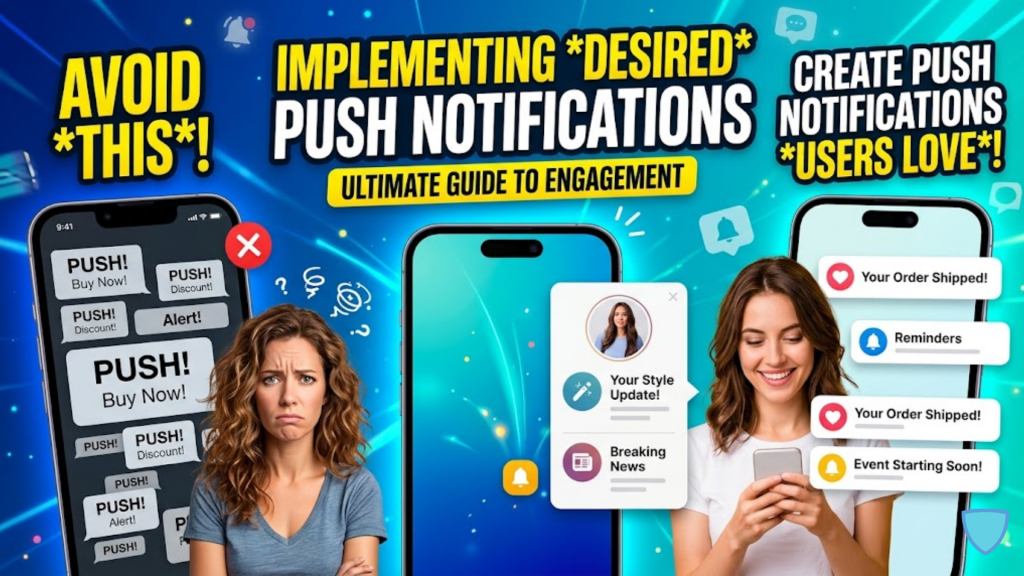
What defines a “Good” notification in 2026?
In 2026, a successful push notification is no longer just a marketing message; it is a Product UX feature. Because iOS and Android now use AI to summarize and prioritize alerts, only notifications that provide “Contextual Value” make it to the user’s primary lock screen. To succeed, you must move away from “Blasts” and toward Hyper-Personalized Triggers that feel like a helpful assistant rather than a digital interruption.
A push notification works when it feels like help. It fails when it feels like noise.
3 Pillars of 2026 Notification Strategy
In 2026, your implementation must be Permission-First, Context-Aware, and Frequency-Controlled.
1. Earn the Opt-In (The “Soft” Prompt)
Stop asking for permission on the first page load. This is the fastest way to get a “Block” that you can never reverse.
- The 2026 Way: Use a “Pre-Prompt” or in-app screen that explains the specific benefit (e.g., “Get early access to flash sales”). Only trigger the official system prompt after a user takes a high-value action, like adding an item to their cart or completing their first workout.
2. Hyper-Personalization at Scale
Generic messages like “We miss you!” are now automatically demoted by OS focus filters.
- The Strategy: Use Behavior-Based Triggers. If a user browses “Running Shoes” twice in 24 hours, send a notification about a specific stock update or a 10% discount on that exact category. This increases engagement rates by up to 9% over generic messages.
3. Intelligent Batching and Digests
In 2026, sending five separate alerts for one event is considered “Notification Fatigue.”
- The Implementation: Consolidate non-urgent updates into a single Daily Digest. Use Message Orchestration to prioritize transactional alerts (like “Your taxi is here”) over promotional ones, ensuring your most important messages are never buried.
Performance and Timing: The “90-Second” Rule
In e-commerce, push notifications generate clicks in as little as 90 seconds, making them significantly faster than email. However, timing is everything.
- Respect Quiet Hours: Always implement “Silence Periods” based on the user’s local time zone. A discount alert at 3 a.m. is the quickest way to an uninstall.
- Intelligent Delivery: Use AI algorithms to analyze when an individual user is most active. Delivering a notification during their “Peak Activity Window” can increase open rates by up to 50%.
- Deep Linking: Never send a user to your homepage. Every notification must include a Deep Link that takes the user directly to the relevant product, article, or setting mentioned in the alert.
Frequently Asked Questions (FAQ)
1. Does a PWA support push notifications in 2026?
Yes. Both Android and iOS (Safari) now offer robust support for PWA push notifications. This allows you to re-engage users without the cost of developing a native app.
2. What is “Notification Graduation”?
This is a 2026 strategy where you reduce frequency as a user becomes more loyal. If a user visits your app every day, they don’t need a nudge. Save your “notifications budget” for when they actually lapse.
3. Can I use images in push notifications?
Yes. In 2026, Rich Media (images, GIFs, even short videos) is the standard. Notifications with high-quality images see 25% higher engagement than text-only alerts.
4. Why do I see an Apple Security Warning on my push service?
If your notification provider uses insecure (HTTP) endpoints or fails to handle device tokens with proper encryption, you may trigger an Apple Security Warning on your iPhone.
5. How many notifications are “too many”?
The general 2026 rule is to limit marketing pushes to 1–2 per day. Transactional alerts (orders, security) are exempt, but should still be kept concise and useful.
6. What is “Agentic Notification”?
It is a 2026 feature where an AI agent summarizes multiple related notifications into a single, actionable sentence for the user (e.g., “Three of your tracked items are now on sale”).
7. Should I use emojis in my titles?
Yes, but sparingly. Emojis can add personality and grab attention, but overusing them can make your brand look like spam in a professional 2026 lock screen.
8. How do I measure success in 2026?
Open rates are a “vanity metric.” Instead, track Conversion Rate (did they buy?) and Negative Sentiment (how many people disabled notifications after this campaign?).
Final Verdict: Be the Signal, Not the Noise
In 2026, the best notification strategy is Restraint. By providing high-value, behavior-triggered alerts that respect the user’s time and context, you earn the right to stay on their lock screen and drive long-term retention.
Ready to engage your users? Explore our guide on Converting Your WordPress Site into a PWA to see how to implement notifications on the web, or learn about the Top Dev Skills Needed to Shine in 2026.
Authority Resources
- Jotform: Push Notifications Best Practices in 2026 – A comprehensive guide on personalization and opt-in offers.
- AppMaker: Push Notification Strategy for E-commerce – How to align triggers with user intent and lifecycle stage.
- Appbot: App Push Notification Trends for 2026 – Understanding how OS-level AI summaries change notification UX.
- Pushwoosh: AI Marketing Automation 2026 – Technical implementation of intelligent send times and AI copy generation.





